from phasic import Graph, with_ipv # ALWAYS import phasic first
import numpy as np
%config InlineBackend.figure_format = 'svg'
from vscodenb import set_vscode_theme
set_vscode_theme()Visualizing state space
@with_ipv([1, 1])
def mesh(state, max_val=2):
    transitions = []
    for i in range(state.size):
        if state[i] <= max_val:
            child = state.copy()
            child[i] += 1
            trans = [child, state.sum()]
            transitions.append(trans)
    return transitions

graph = Graph(mesh)
graph.plot()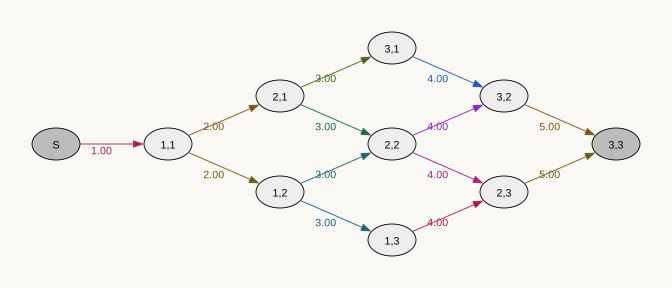
Change node separation from the default of 1:
graph.plot(nodesep=0.5)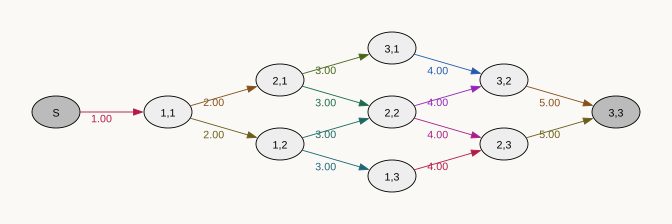
Also change the separation of nodes with different rank from the default of 1:
graph.plot(nodesep=0.5, ranksep=0.5)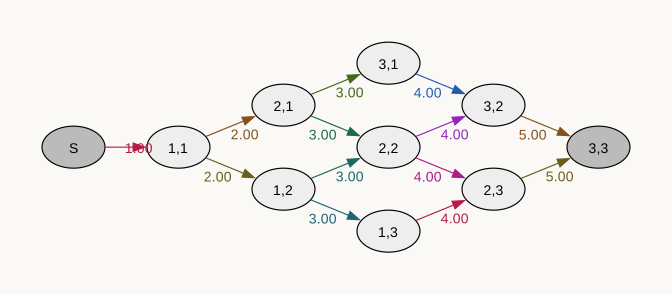
Plot node rank top to bottom (TB) rather than default left to right (LR):
graph.plot(rankdir="TB", ranksep=0.3)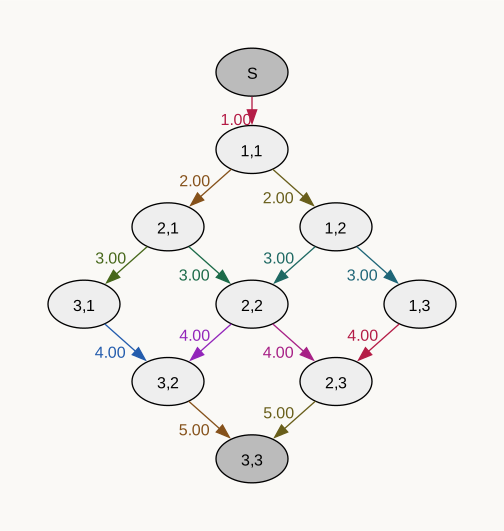
Width of edges, size of font, unicolor, and size of figure:
graph.plot(size=(7, 5), fontsize=30, rainbow=False, penwidth=5)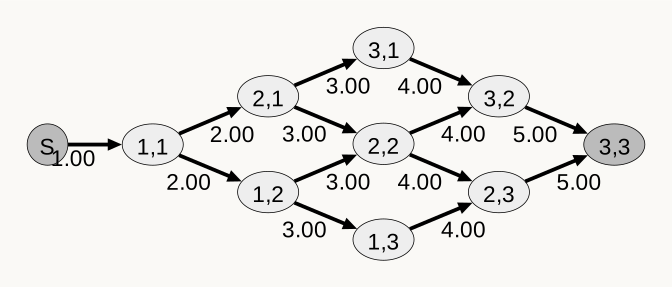
Save to file
graph.plot(filename="graph_output.svg")
graph.plot(filename="graph_output.pdf")
graph.plot(filename="graph_output.png")
graph.plot(filename="graph_output.jpg")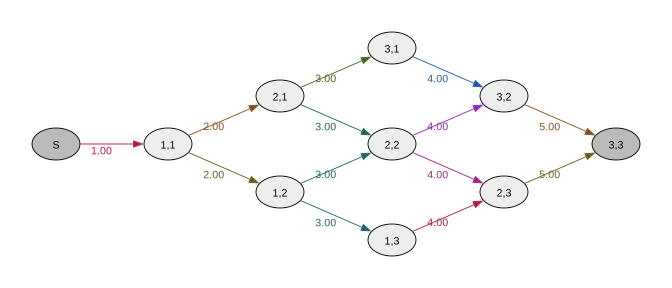
Subgraphs
def fun(state):
    return f'First index\nvalue: {state[0]}'

graph.plot(by_state=fun)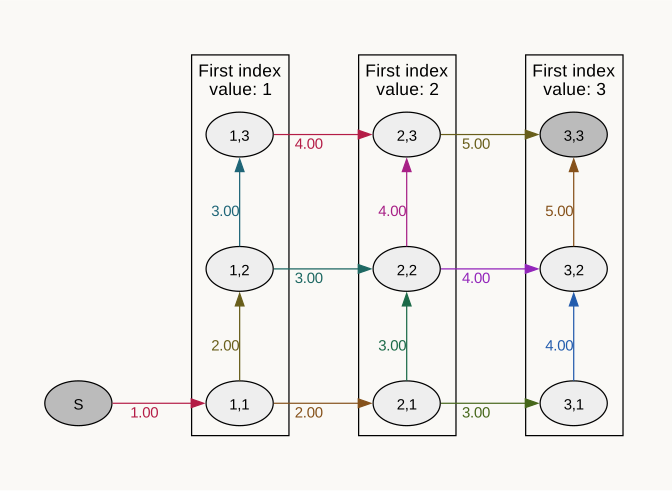
def fun(index):
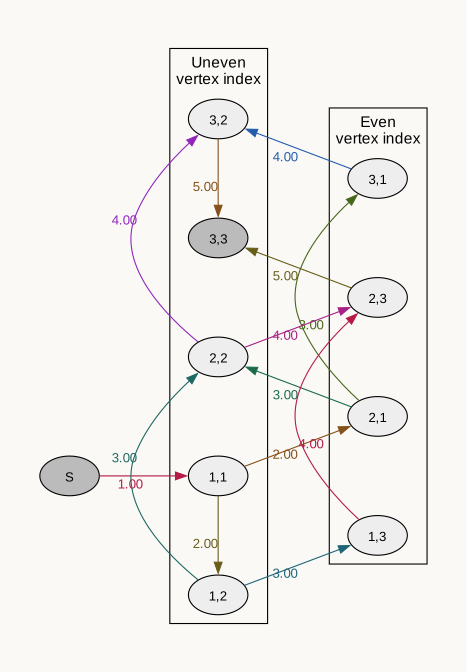
    return f"{'Uneven' if index % 2 else 'Even'}\nvertex index"

graph.plot(by_index=fun)